Account and logging in
Everything about your account on the dashboard (app.livalos.com): logging in, your password, your language, signing in with Google, LinkedIn or Microsoft, and logging in to your websites.
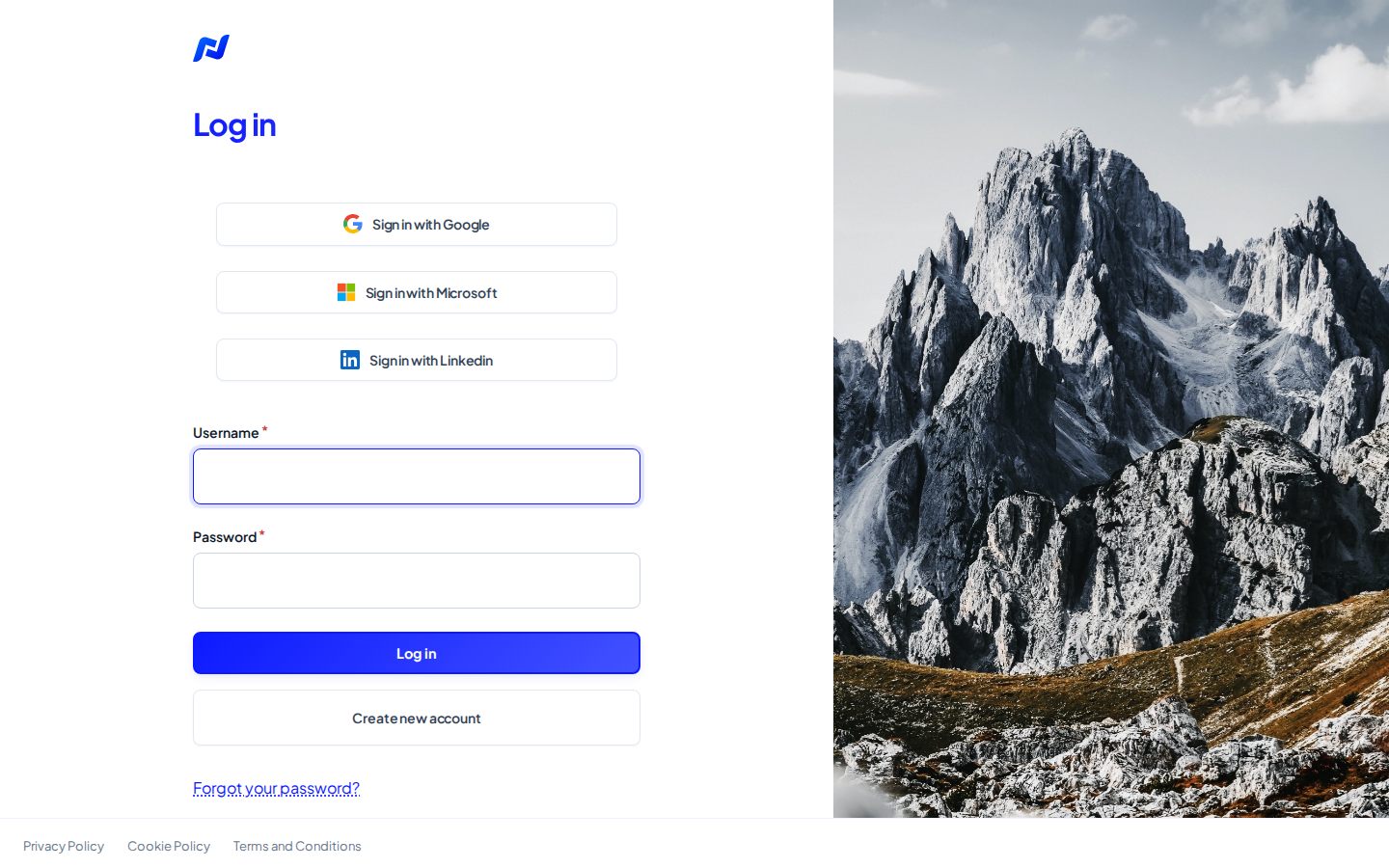
Log in
- Go to the login page (
/user/login). - Enter your username. If you were invited, that's your email address.
- Enter your password and click Log in.
You can also go straight for Sign in with Google, LinkedIn or Microsoft, see below.
Forgot your password
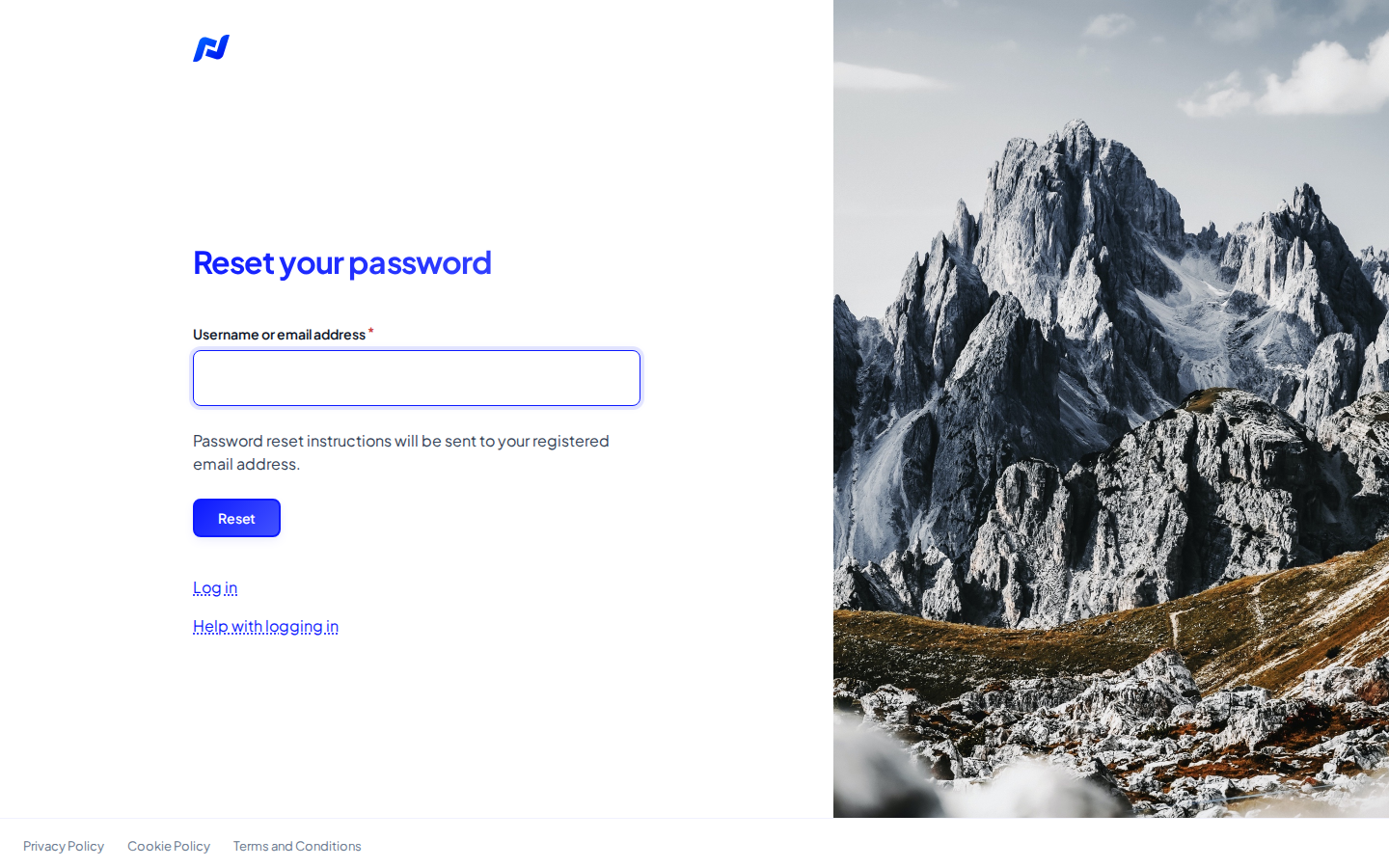
- On the login page click Forgot your password?, or go to
/user/password. - Enter your username or email address and click Reset.
- You get an email with a link to set a new password. The link works once and stays valid for 24 hours.
No email?
- Check your spam or junk folder.
- Make sure you used the email address of your account.
- Still nothing? Email us at support@livalos.com.
Change your password or email address
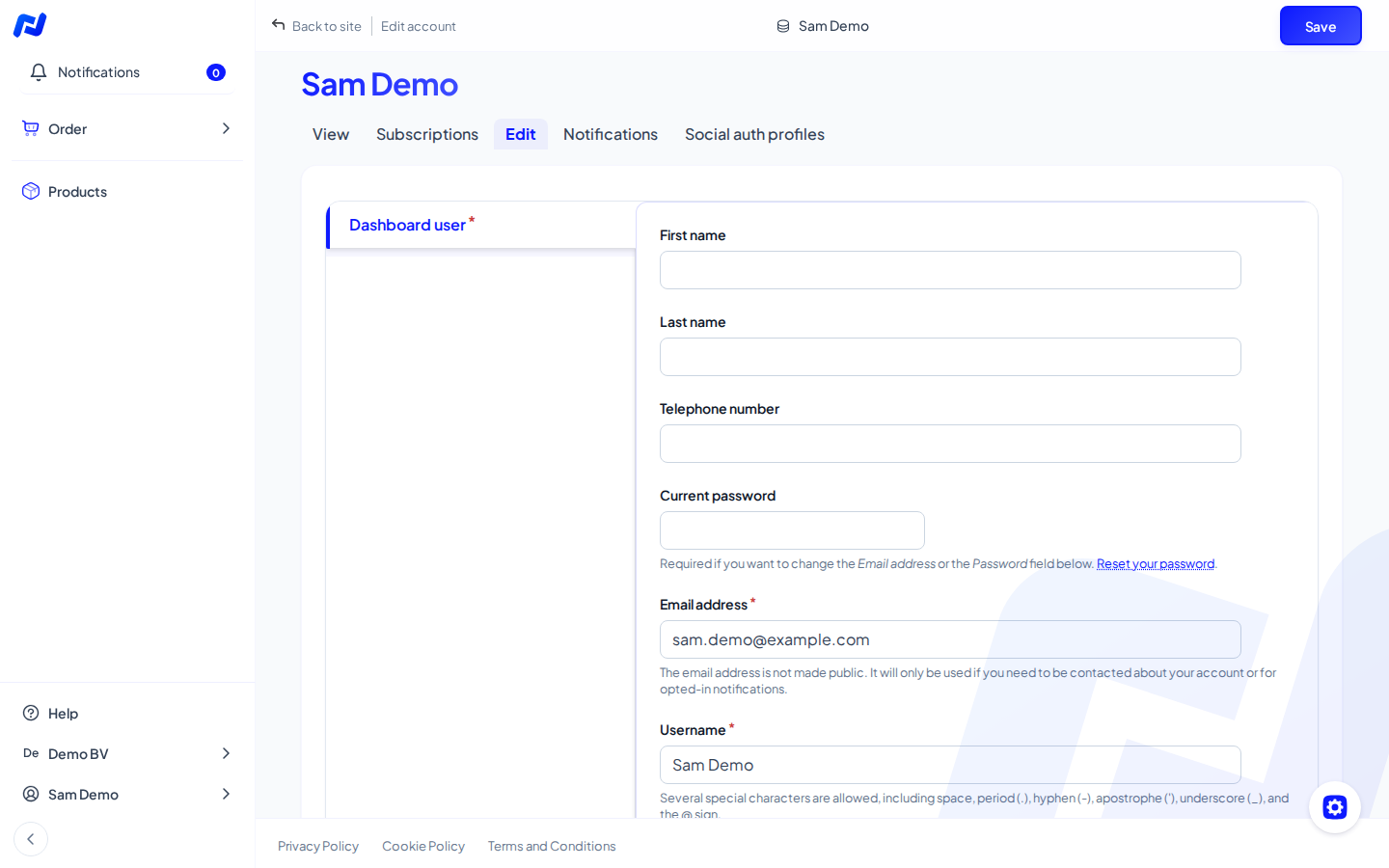
- Click your name at the bottom left and choose Edit profile.
- Enter your current password. You need it to change your email address or password.
- Change your email address, or enter a new password twice.
- Click Save.
The language of your account
In your profile, pick your language under Site language. We use it for the emails you get from us, such as invitations and password resets.
The dashboard itself shows the language of the web address: /nl/, /fr/,
/de/ or /en/. This help follows that language too.
Sign in with Google, LinkedIn or Microsoft
The login page has buttons Sign in with Google, LinkedIn and Microsoft (Microsoft 365 or a work account through Entra ID). You don't need to remember a dashboard password then.
- Which email address? Pick the account with the same email address as your Livalos account. Then you land in your own account and keep your workspaces.
- Picked another account? If that account has a different email address, we create a new, empty account without your workspaces. Log out and sign in again with the right account. We're happy to remove a wrong account: email support@livalos.com.
- Microsoft only looks at your email address, every time you sign in.
Link and unlink
- Link: sign in once with Google or LinkedIn using the same email address as your account. From then on it's linked.
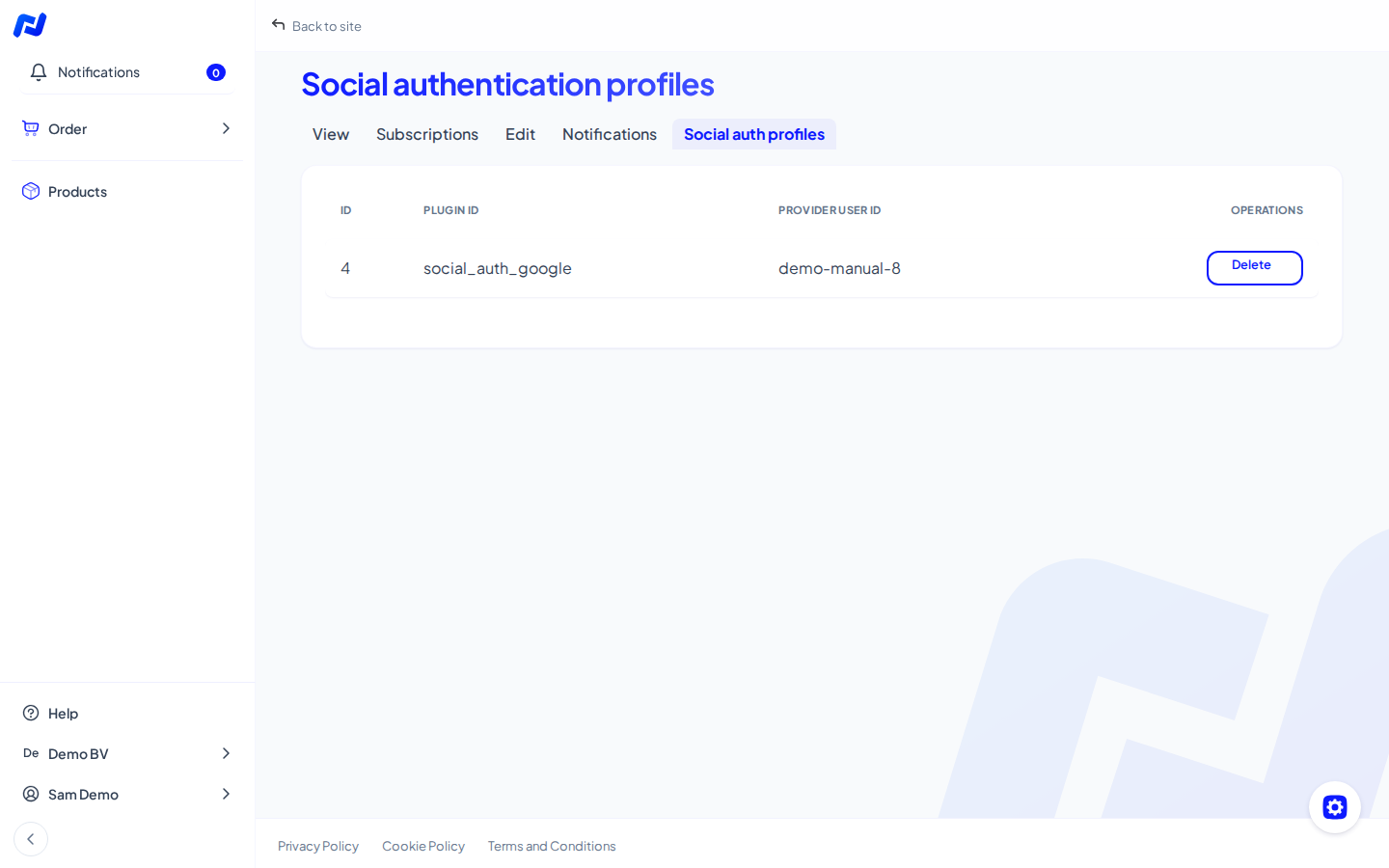
- See and unlink: click your name at the bottom left, choose View profile and open the Social auth profiles tab. You see the linked accounts there and can remove a link.
After unlinking you log in with your password. Don't have one? Request one through Forgot your password?.
Log in to your websites
- From the dashboard: open your website and click Login to website. You're logged in right away.
- On your website's own login page: choose Sign in with Google, LinkedIn or Microsoft. You sign in through the dashboard and come back to your website logged in.
Help with logging in
Can't log in? This manual is also at app.livalos.com/help/account, without logging in. The link Help with logging in is on the login page.